![Logo Standard Medium.png]](https://help.exordo.com/hs-fs/hubfs/Logo%20Standard%20Medium.png?height=40&name=Logo%20Standard%20Medium.png)
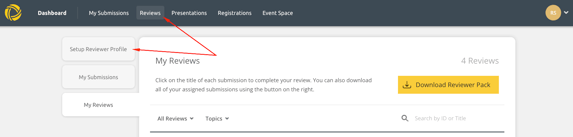
You can update your Review Profile at anytime by:
- Clicking on Reviews at the top of the page
- Selecting the Setup Reviewer Profile tab
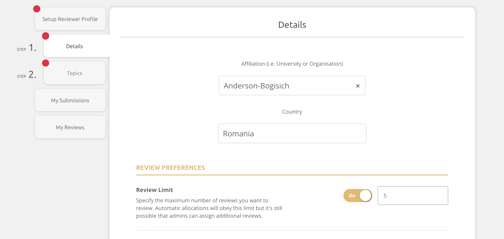
- On step 1, you can update:
- your affiliation
- country
- number of reviews you are happy to help with (if enabled)
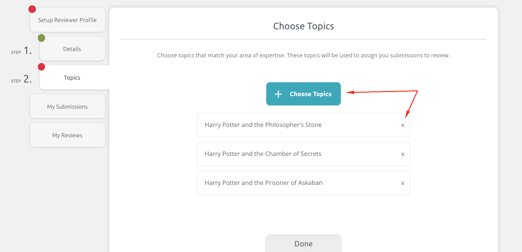
- On step 2, you can update your topics by:
- Clicking Choose Topics to select new topics
- Selecting the X to remove a topic