![Logo Standard Medium.png]](https://help.exordo.com/hs-fs/hubfs/Logo%20Standard%20Medium.png?height=40&name=Logo%20Standard%20Medium.png)
Need to learn about your site users? You've come to the right place! This article explains how to export information about people who have logged into your Ex Ordo site.
- Click on Conference hub at the top of the page
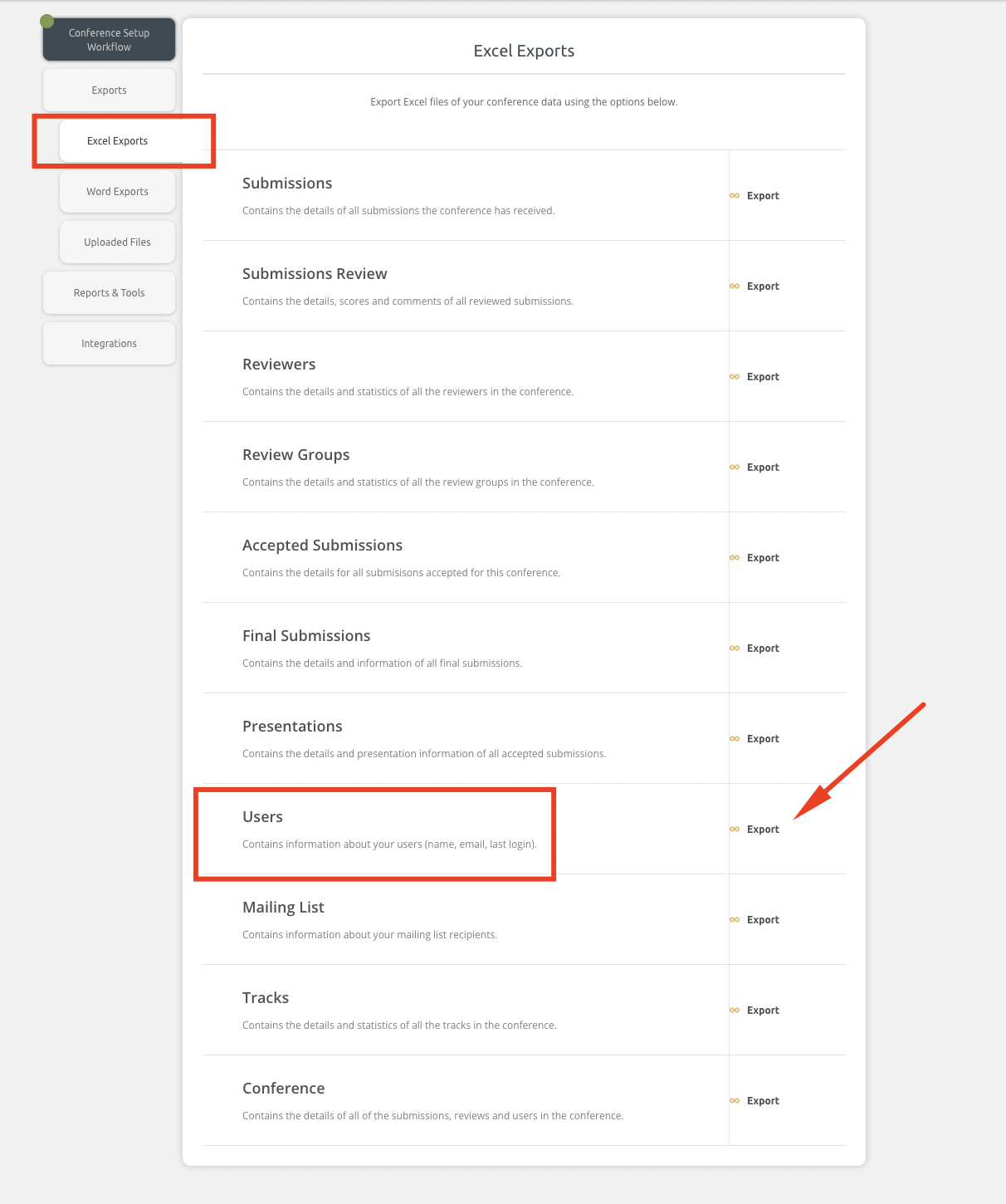
- Ensure you are viewing the Excel Exports tab
- Click Export next to Users
- Click Export in the pop up window to confirm your choice
- The system will now build the export. This may take some time. You can continue to work on other things in the system.
- Once the export is built, the system will:
- email you the export
- invite you to download the export
- That's it! You now have an export with information about all site users.