![Logo Standard Medium.png]](https://help.exordo.com/hs-fs/hubfs/Logo%20Standard%20Medium.png?height=40&name=Logo%20Standard%20Medium.png)
Now that the event site is live, you’re going to want to know how to find and join the live events of your choosing. This article will guide you through the process of discovering what events are due to start soon and how to quickly join them, as soon as they go live.
1: Navigate to the Live page
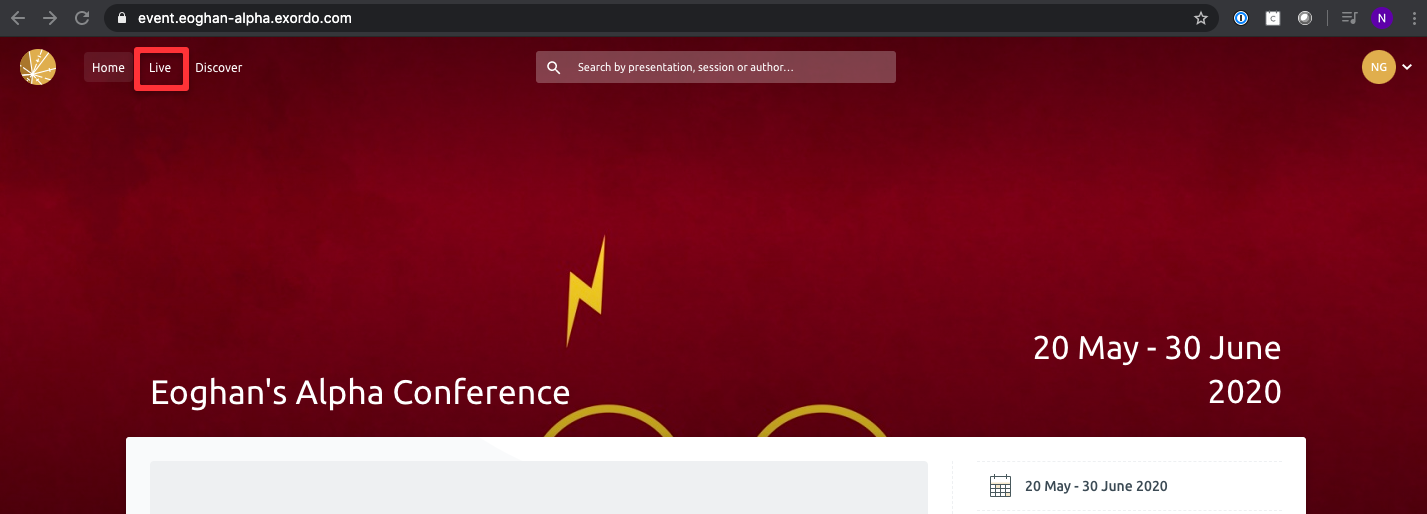
Upon logging in you will be presented with the event’s homepage. Click on the “Live” button on the top left of your screen, in order to see details of each stage and the events will be broadcasting live for the duration of the conference.
2: Scroll down to the relevant stage
You will now see information about the live stages.
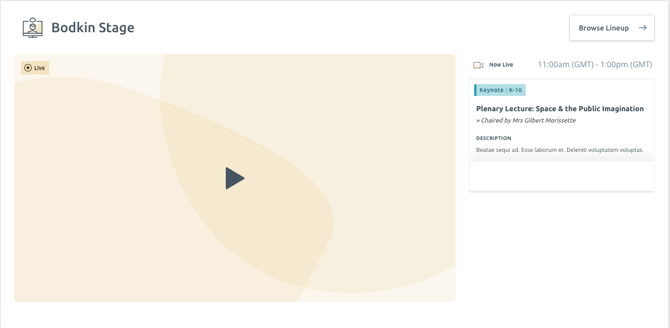
You can join stages when a session has started. The stage will be gold with a play button. Click on the play button to join.
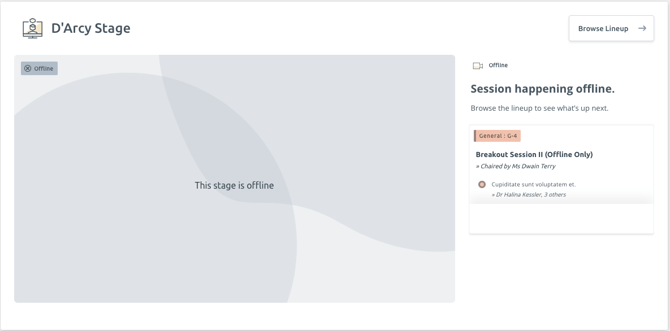
You cannot join a stage if it is offline.
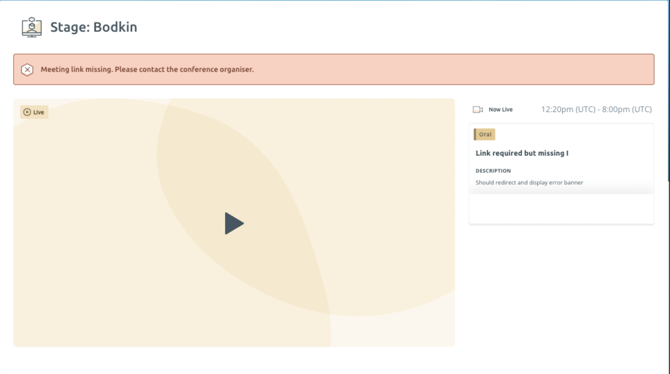
When no link has been supplied and the admin has not indicated that this session doesn’t need a link, the stage player will appear as live, but when you try to join the stage, you’ll see an error message.