![Logo Standard Medium.png]](https://help.exordo.com/hs-fs/hubfs/Logo%20Standard%20Medium.png?height=40&name=Logo%20Standard%20Medium.png)
You may need to change stage managers throughout a stage day. For example, you may have one person hosting the morning sessions and a different person hosting after lunch.
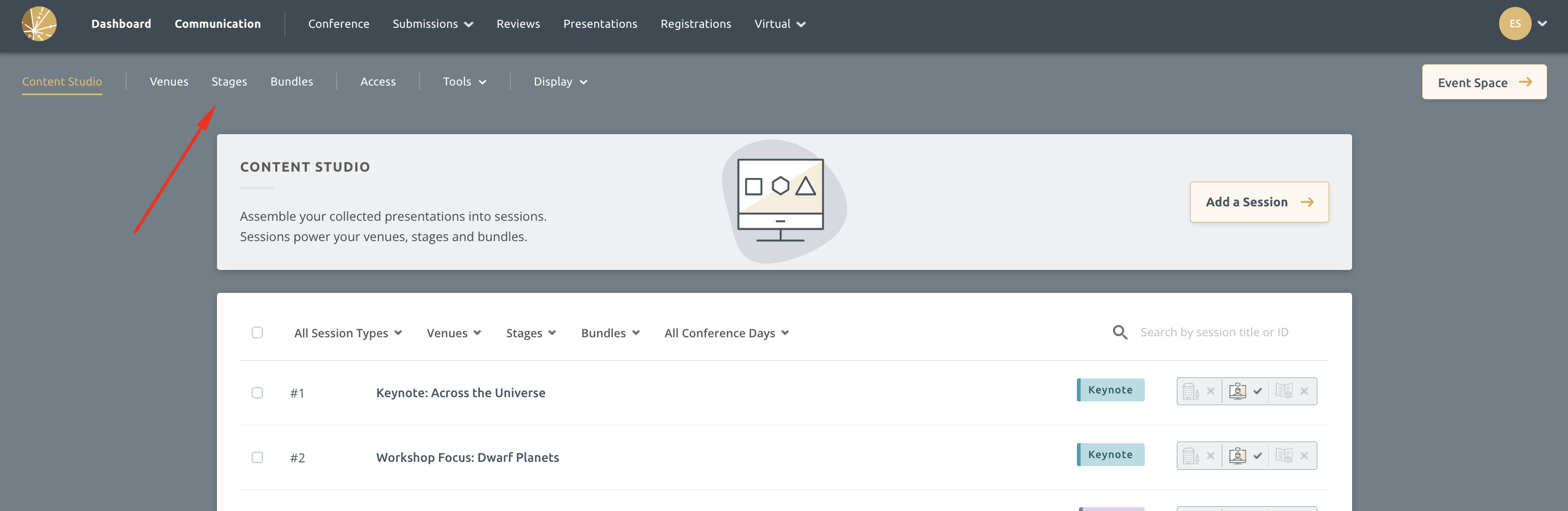
Step 1: Navigate into the Virtual Builder > Stages
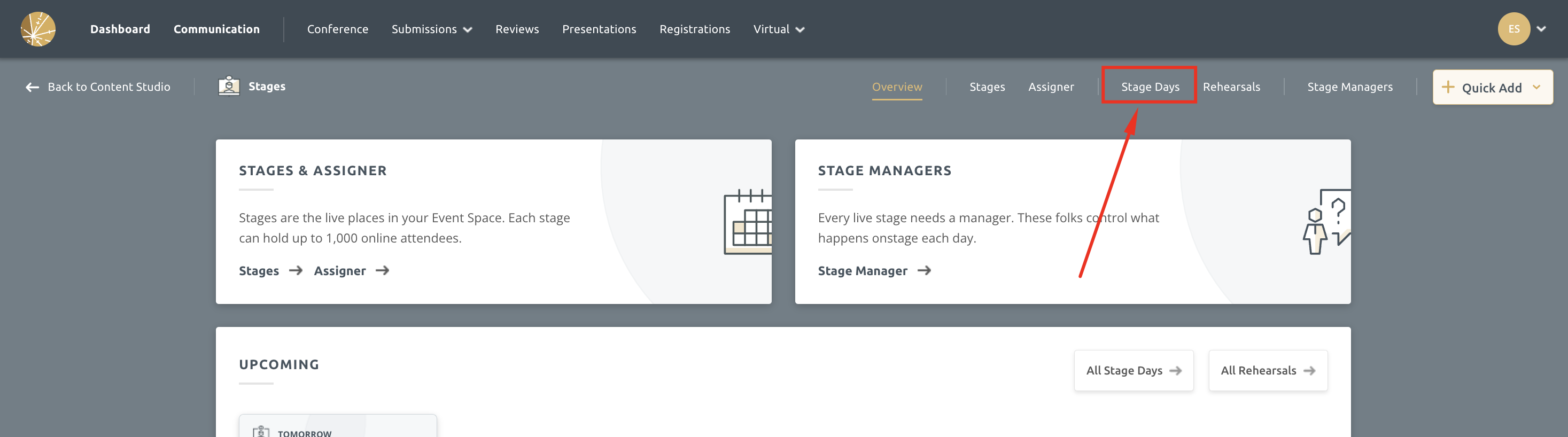
Step 2: Click on the Stage Days tab
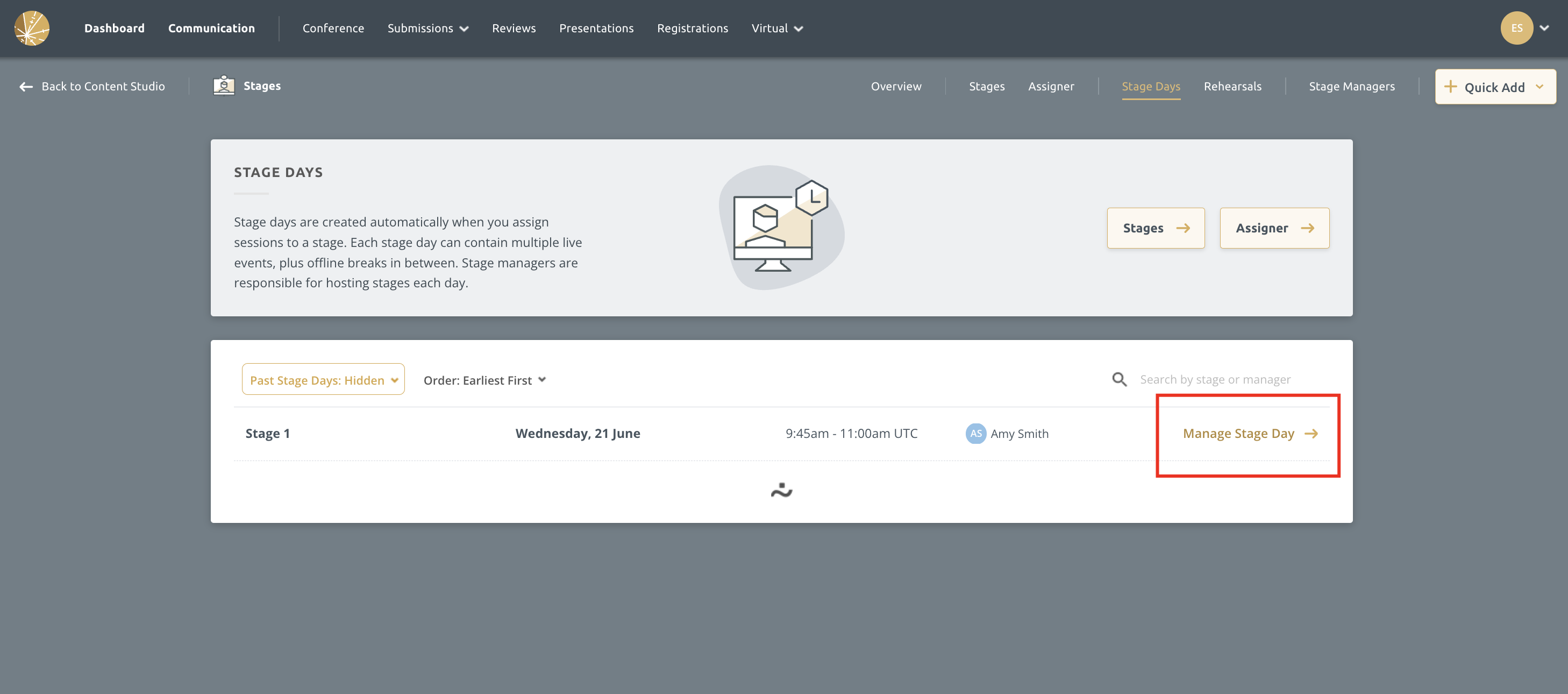
Step 3: Select Manage This Stage Day next to the appropriate stage
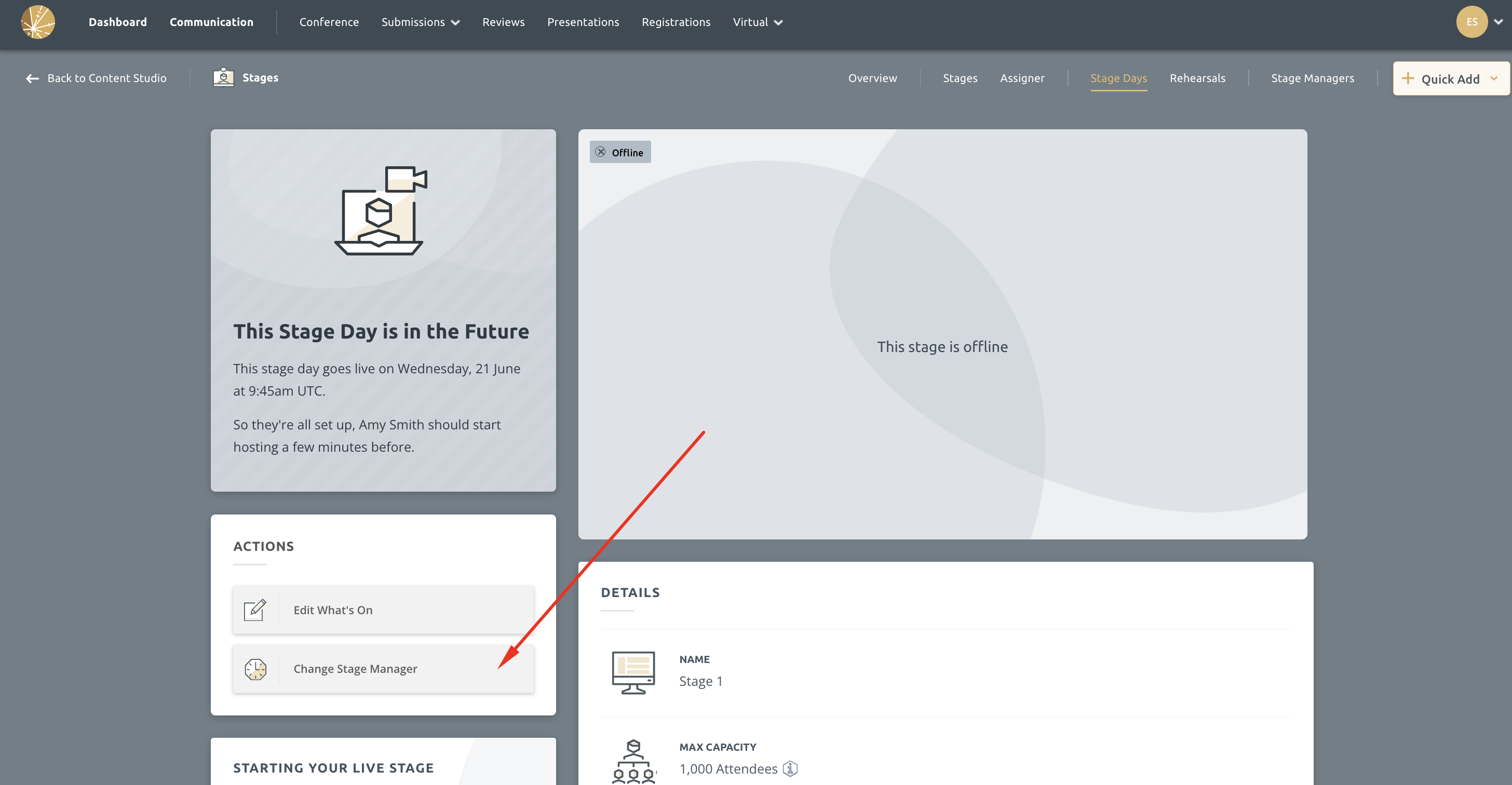
Step 4: Click on the Change Stage Manager button
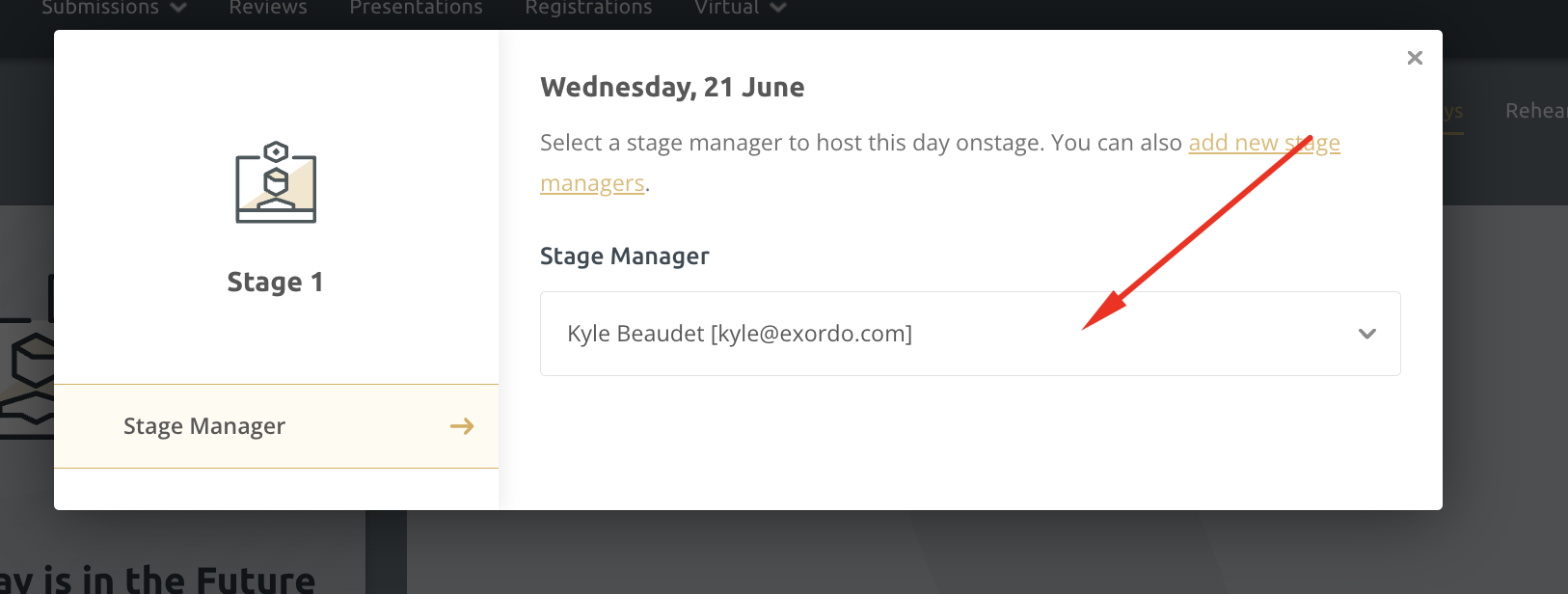
Step 5: Select a different person from the drop-down menu
That's it! The new stage manager can now see the stages in their Virtual Builder and can download session packs.