![Logo Standard Medium.png]](https://help.exordo.com/hs-fs/hubfs/Logo%20Standard%20Medium.png?height=40&name=Logo%20Standard%20Medium.png)
You may be collecting payments from delegates via bank transfer, cheque or in cash. You will need to mark registrations as paid when the money is received. This article explains how to do mark a registration as paid after receiving payment.
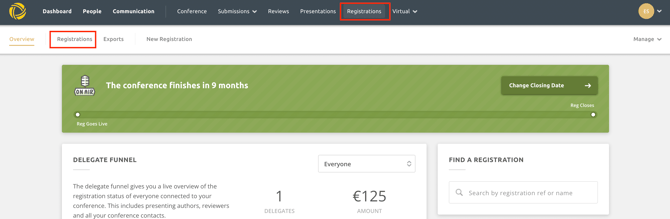
- Click on the Registrations hub at the top of the page
- Click on Registrations
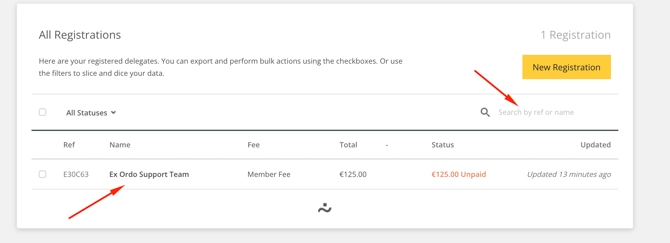
- Use the search bar to look up the name of the delegate or reference ID. Click on the delegates name to expand the registration.
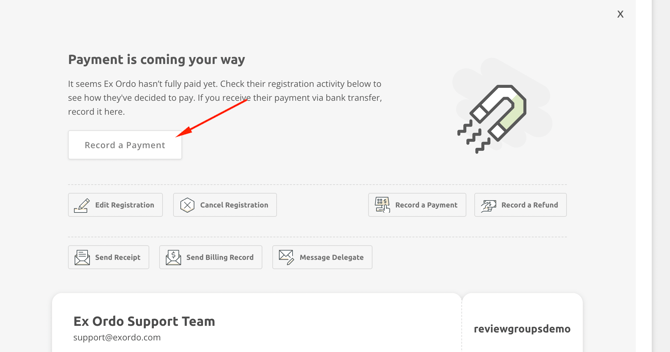
- Select the Record a Payment button
- Enter the amount paid, any notes and click the Record Payment button.
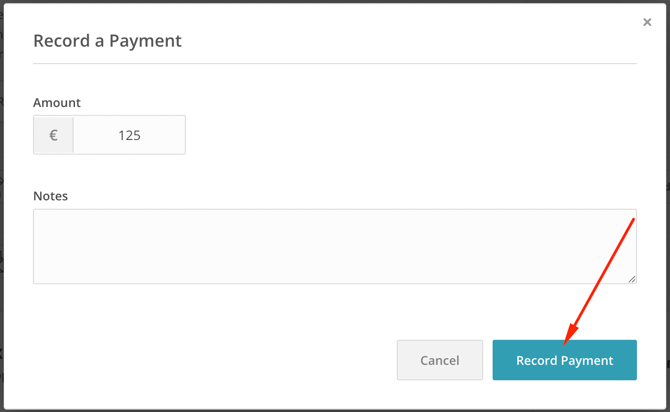
- That's it! The registration is now marked as paid.