![Logo Standard Medium.png]](https://help.exordo.com/hs-fs/hubfs/Logo%20Standard%20Medium.png?height=40&name=Logo%20Standard%20Medium.png)
Setting up your conference for submissions is an 8 step process. As an admin, you can follow the steps linked below to configure the workflow your authors will follow.
Be sure to check out the Submissions video in your Ex Ordo Training Plan!
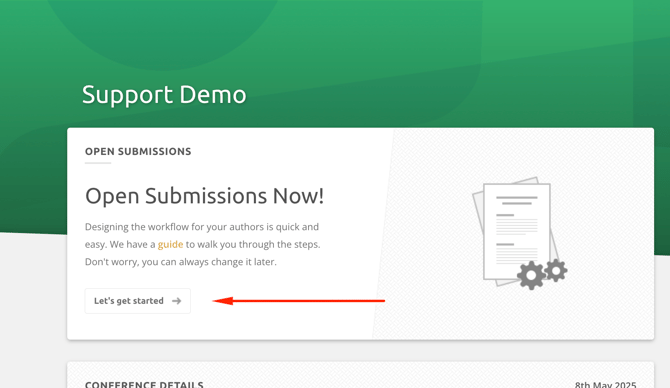
The first step is to click on the Let's get Started button. You'll find this in the Open Submissions card located on your dashboard. It becomes visible after you have clicked through all 4 steps of the Conference Setup Workflow.
Please check out the articles below for detailed information about each step:
- Step 1: Setting and extending the submission deadline
- Step 2: Type and Format
- Step 3: Abstract Sections
- Step 4: Topics
- Step 5: Author Information
- Step 6: File Formats
- Step 7: Additional Information
- Step 8: Guide for Authors / Guide for Submitting
Warning!
Making changes to the submission workflow after you have real submissions in the system can result in real submissions becoming pending.
Example: I have 15 real, completed submissions. I add a new required question for all submissions. All submissions are now pending because none answered the new, required question.
It is always okay to change the submission deadline. If you need to make any other changes to the submissions workflow, please email support@exordo.com first.